

Hit the "m" key to mute the
music!
Scroll down for instructions on how to
create your own levels!
© Mindless-Games
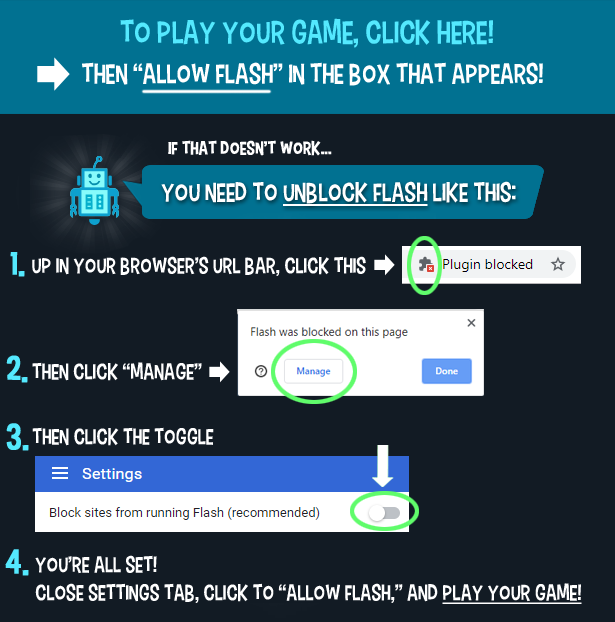
If this Flash game
doesn't work on your computer, go
here for help.
Get a teacher or parent to help!
Game
Instructions:
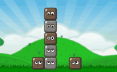
The goal is to group squares of the
same color together to make them disappear. To do
this, click on the arrows to tilt or flip the grid.

You can make your
own levels too! Can you stump your class?
Click on the "Level Editor" button
to create and test your own levels.
You can create a code for your
level so you can give it to someone else to try.
Here's the code for a sample level:
code:0,0,0,0,4,0,0,0,0,0,0,0,0,3,0,0,0,0,0,0,0,0,0,0,0,0,0,0,0,0,0,0,0,0,0,0,0,0,0,0,0,0,0,0,0,
0,0,0,0,0,0,0,0,0,0,0,0,0,0,0,0,0,0,2,0,0,0,0,0,0,0,1,1,2,3,4,0,4,3,1,2;2
Notice that the code has no spaces and you need the "code:" at the beginning
and the ";2" at the end. I had to put a
line break in the above code so, when you paste it into the
game, get rid of the line break!
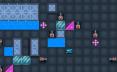
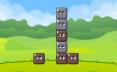
This is the level that this code generated:
To check this, you can copy and paste the above code and put it into the game
by clicking on the "Level Loader" button.
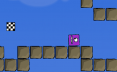
Here's another example and the grid it generates:
code:0,0,0,0,0,0,0,0,0,0,0,0,0,0,0,0,0,0,0,0,0,0,0,0,0,0,0,0,0,0,0,0,0,0,0,0,0,0,0,1,0,0,0,0,0,
0,0,0,0,0,0,0,0,0,0,0,0,1,2,1,0,0,0,0,0,0,2,4,0,2,0,0,5,0,0,5,5,4,4,0,0;2
Again, I had to
put a line break in the above code so, when you paste it
into the game, get rid of the line break!
I'm going to leave it
to you and your class to figure out how the coding works.